| ||||||
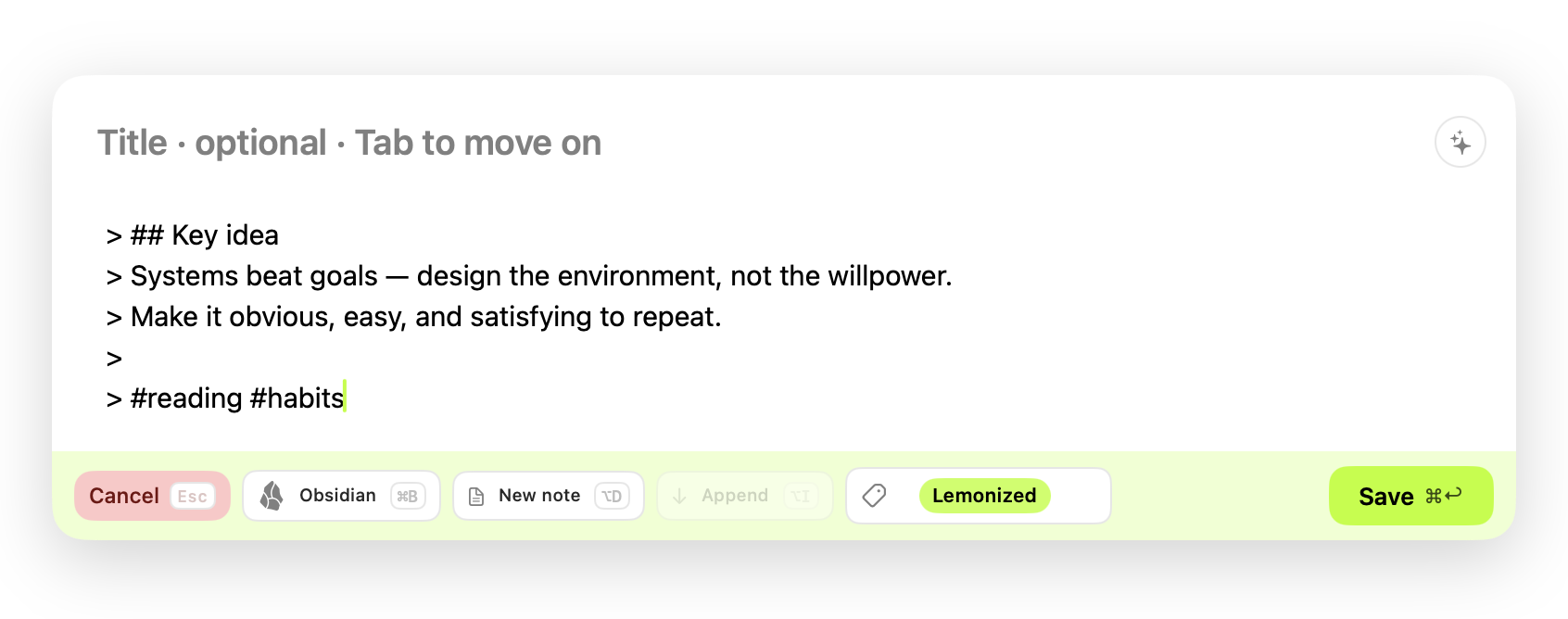
Two updates, one beta, and a new theme for Obsidian.Hi there, welcome to the Suliworld newsletter. Once in a while, I gather here what's new around Suliworld: the apps I build, the Obsidian tools I share, and what I've been writing. This issue is a busy one. The last few weeks were mostly spent in Xcode. Lemonize and MyAbonPlus both got substantial updates, the Mastodon app I started building in August is ready for testers, and the look of this site now lives in Obsidian as a theme. Here's what changed, and who each piece is for. IN THIS ISSUE → Lemonize 1.4 · MyAbonPlus · Mastie beta · Obsidian theme & plugin · From the blog | ||||||
| ||||||
| ||||||
| ||||||
NEW · OBSIDIAN THEME & PLUGIN A Suliworld theme for Obsidian.Suliworld for Obsidian brings the look of this site into your vault: cream paper, forest green, a touch of orange. I spend most of my day in Obsidian, and I wanted it there too. Then I moved the bullet journal part into its own plugin, Suliworld Signifiers, so it works with any theme. 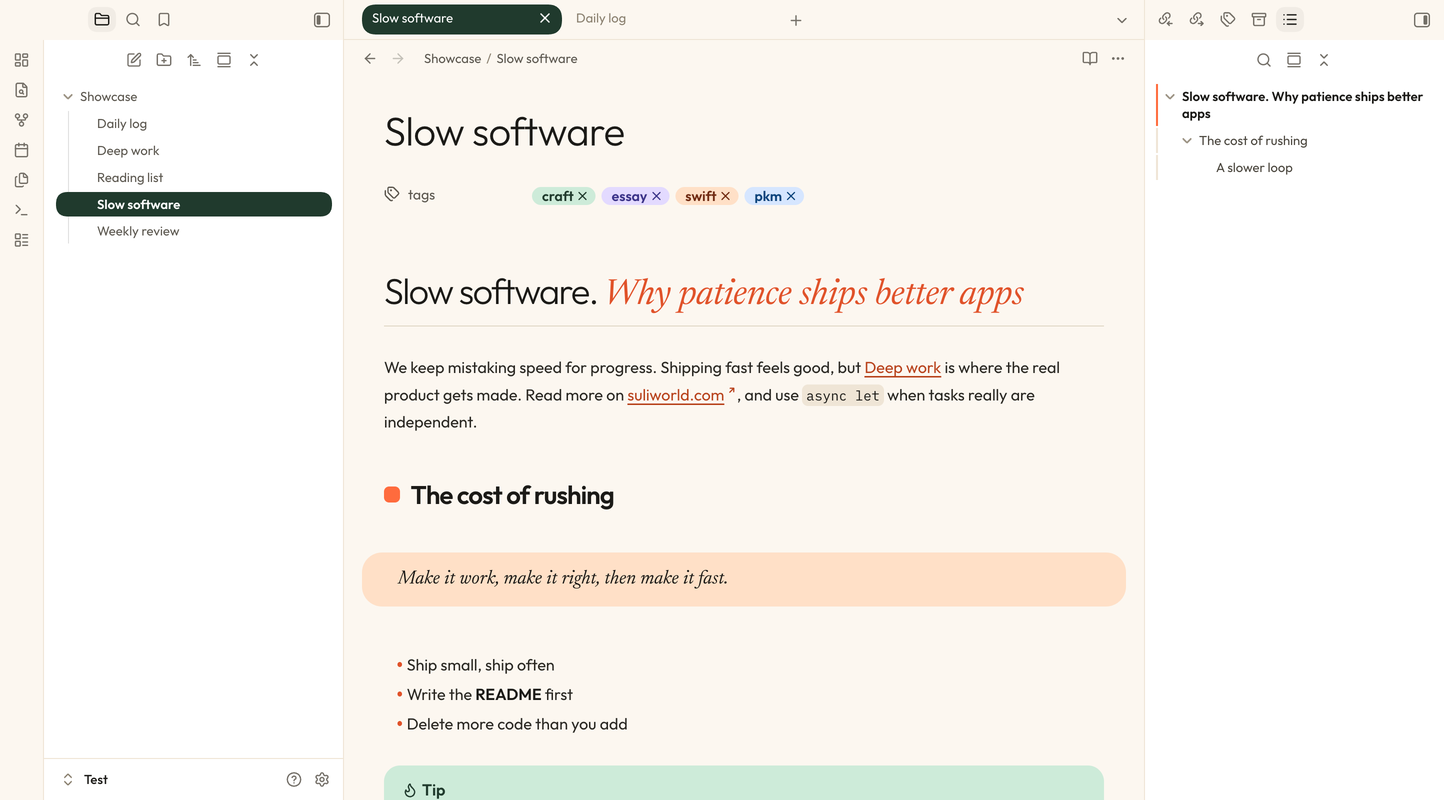 | ||||||
Already using the theme? Update the plugin to 1.1.0 before moving the theme to 1.0.3: your signifier settings carry over. | ||||||
LATEST WRITING From the blog#AI · Nov 15, 2026 · 10 min read The real cost of AI isn’t on your invoice I know what AI costs me in euros. I had no idea what it costs in electricity, water, attention or freedom. Not an article against AI, not a defense of it: the costs on the table, and five questions to carry into your next session. #Productivity #PKM · Nov 1, 2026 Fifteen years of ink and paper: why I still use a fountain pen alongside Obsidian In 2013, I bought myself a fountain pen. It has followed me everywhere since. Why I still reach for paper in meetings, and how those pages end up in my vault. #Productivity #PKM · Sep 24, 2026 How I capture everything on my Mac, iPhone and iPad Most of my ideas don’t show up at my desk. My real daily setup with Lemonize capture modes, Pocket and the share sheet, and where Web Clipper still wins.
| ||||||
That's it for this issue. Thank you for subscribing, and for taking the time to read this far. Building apps and writing on my own can be quiet work. Knowing someone reads on the other end changes that, so thank you for the support. If one of these tools ends up in your daily setup, I'd love to hear how you use it. Reply to the email, or find me on Mastodon: I read every answer. Stéphane | ||||||
Mastodon · Medium · GitHub · RSS You're reading the web version of The Suliworld Letter, issue #001. Subscribe to get the next one in your inbox, or browse past issues. © 2026 Stéphane Sulikowski · suliworld.com |