Wallpapers · Free · Mac, iPad, iPhone

Wallpapers

Free wallpapers for Mac, iPad, and iPhone, in light and dark, drawn in the colors of this site.

Vague

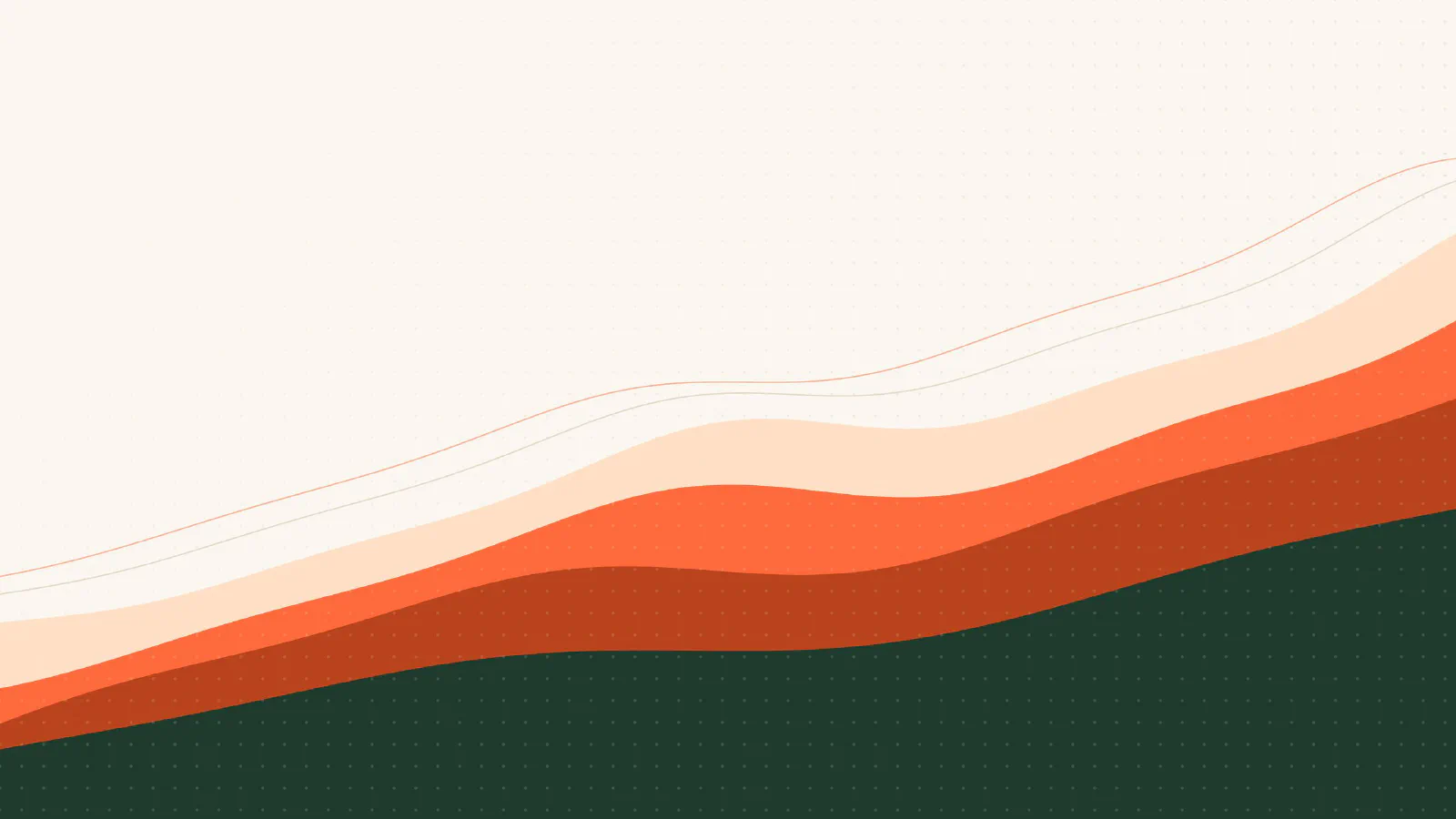
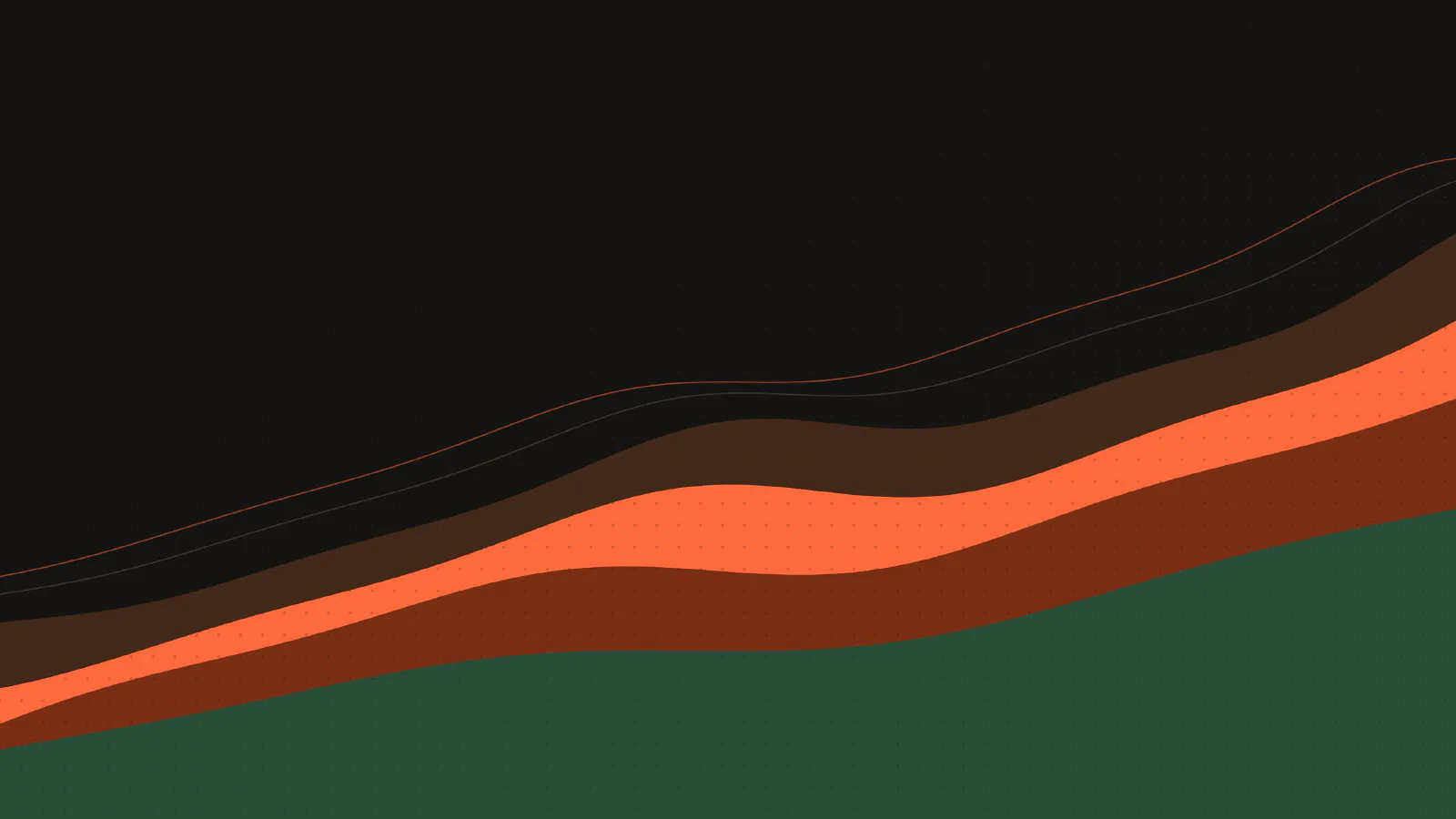
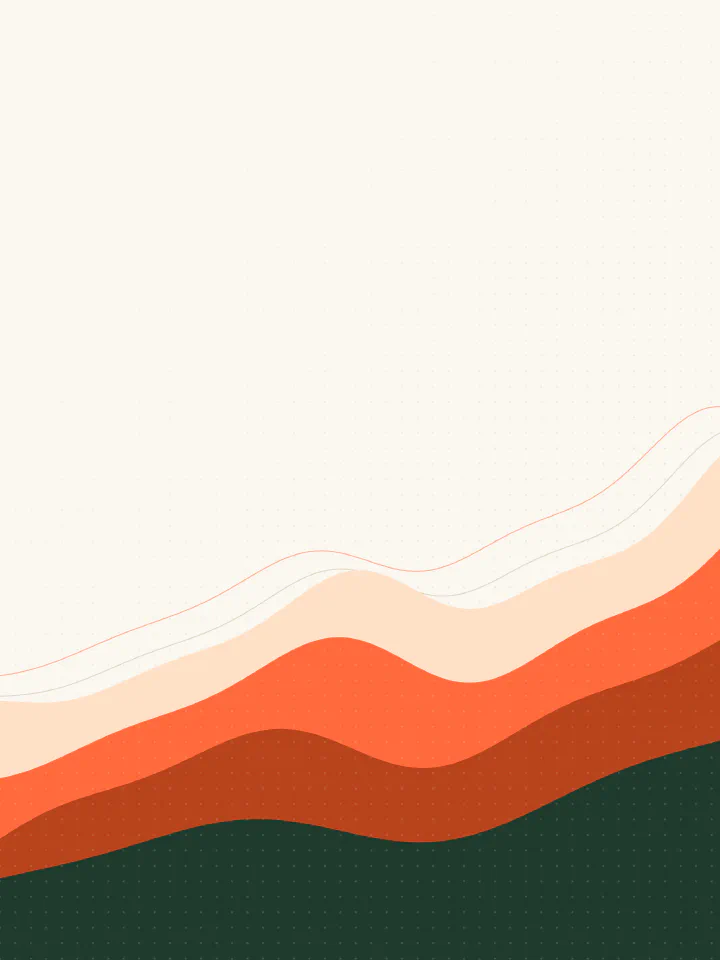
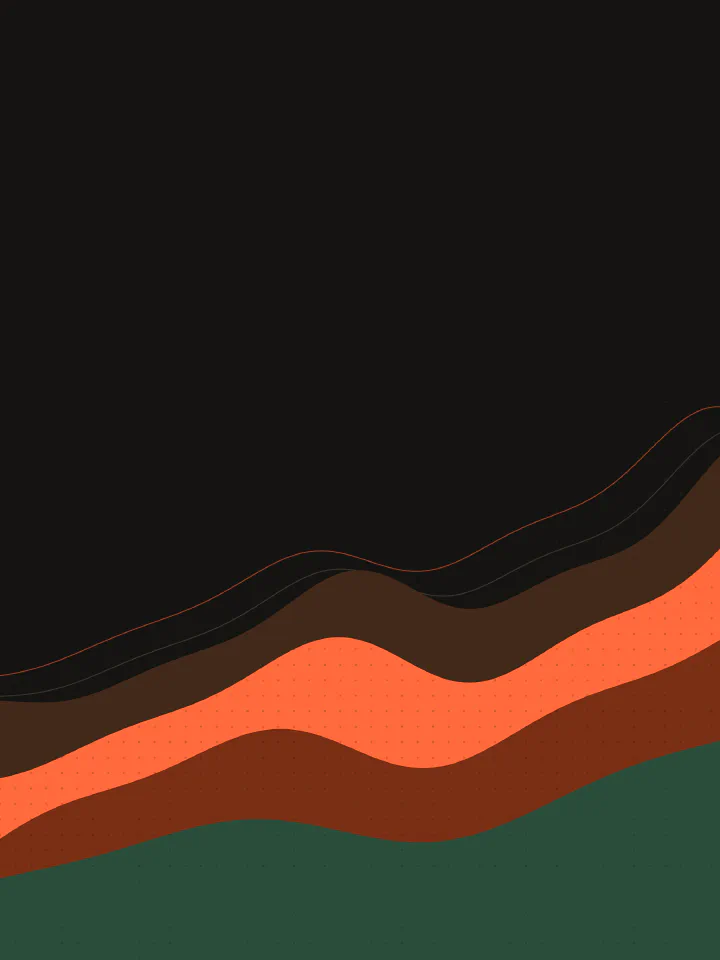
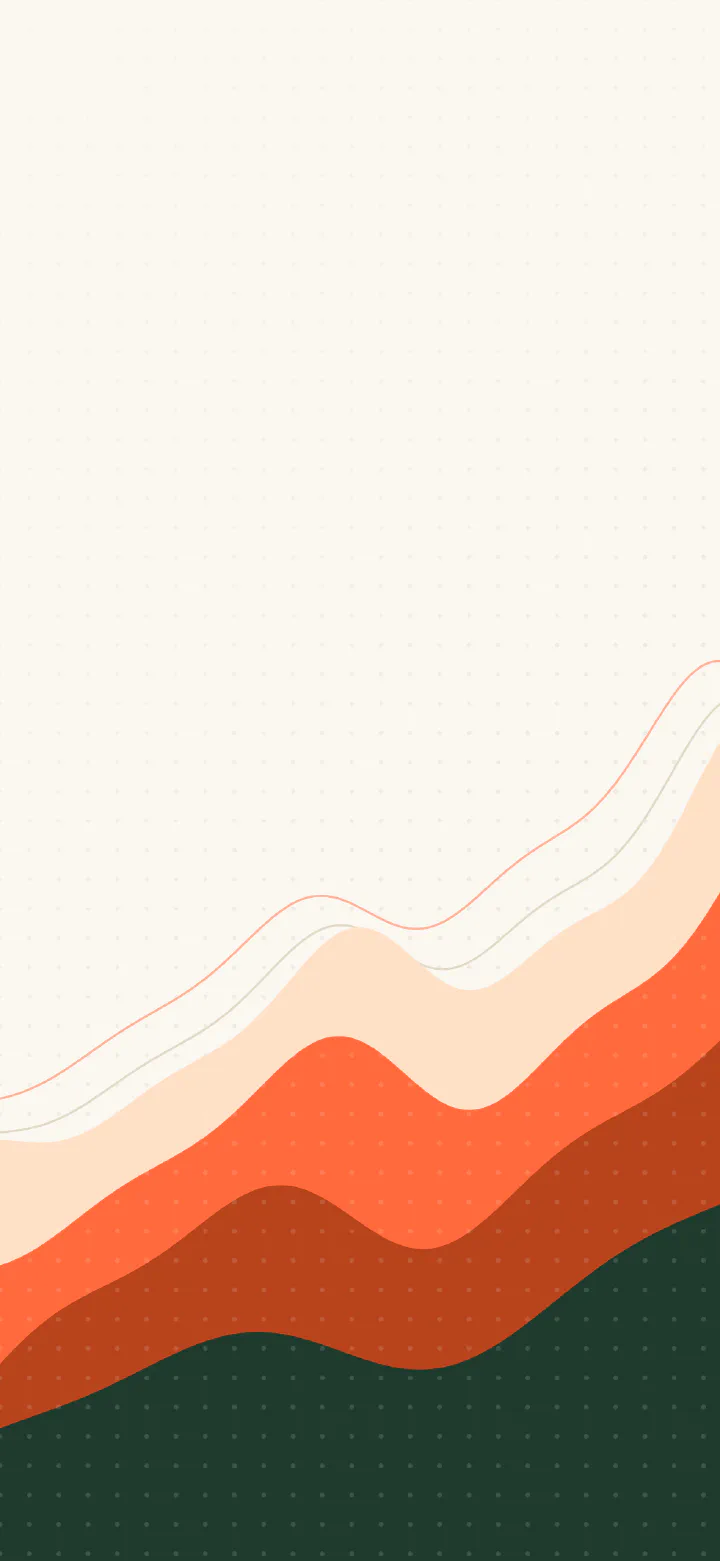
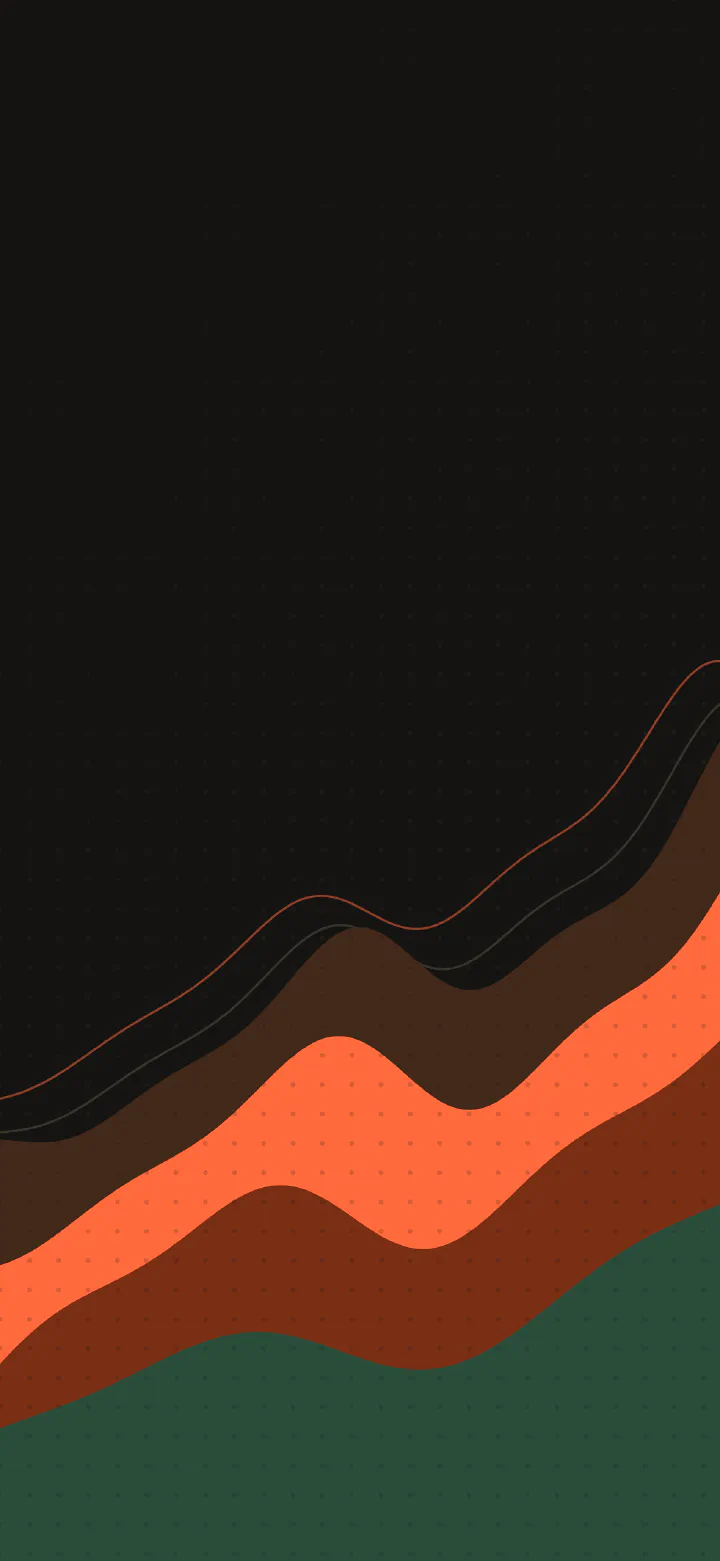
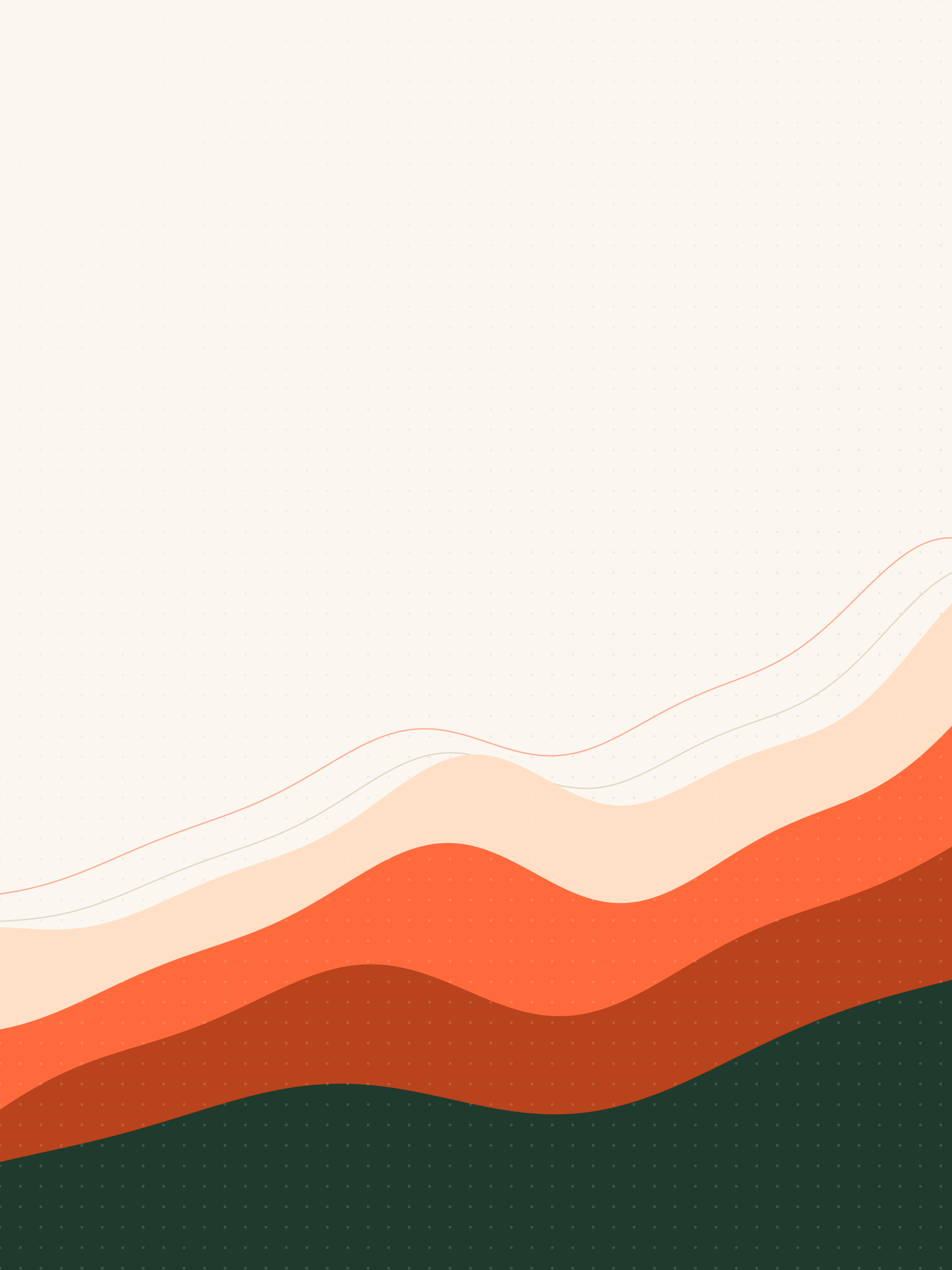
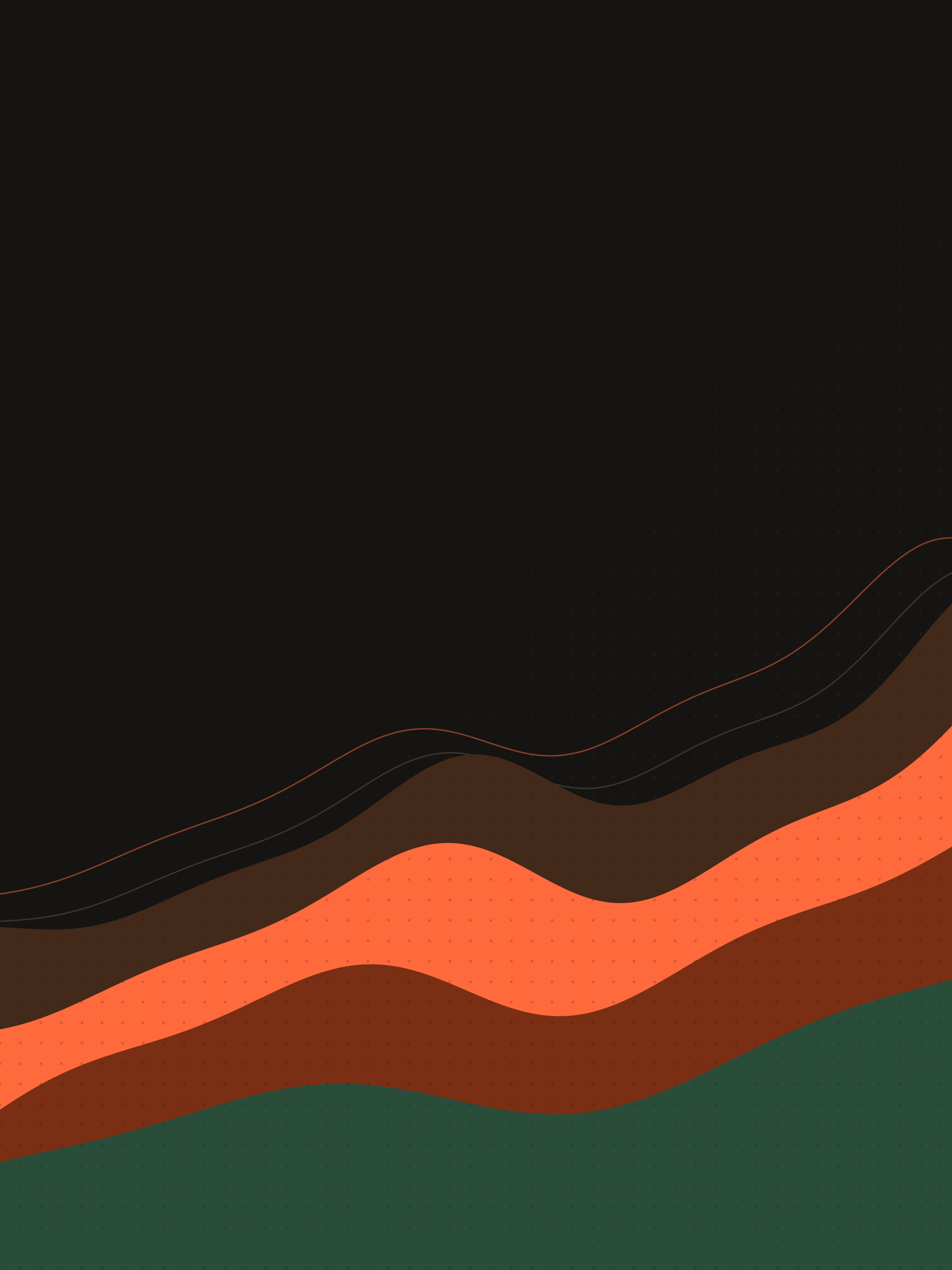
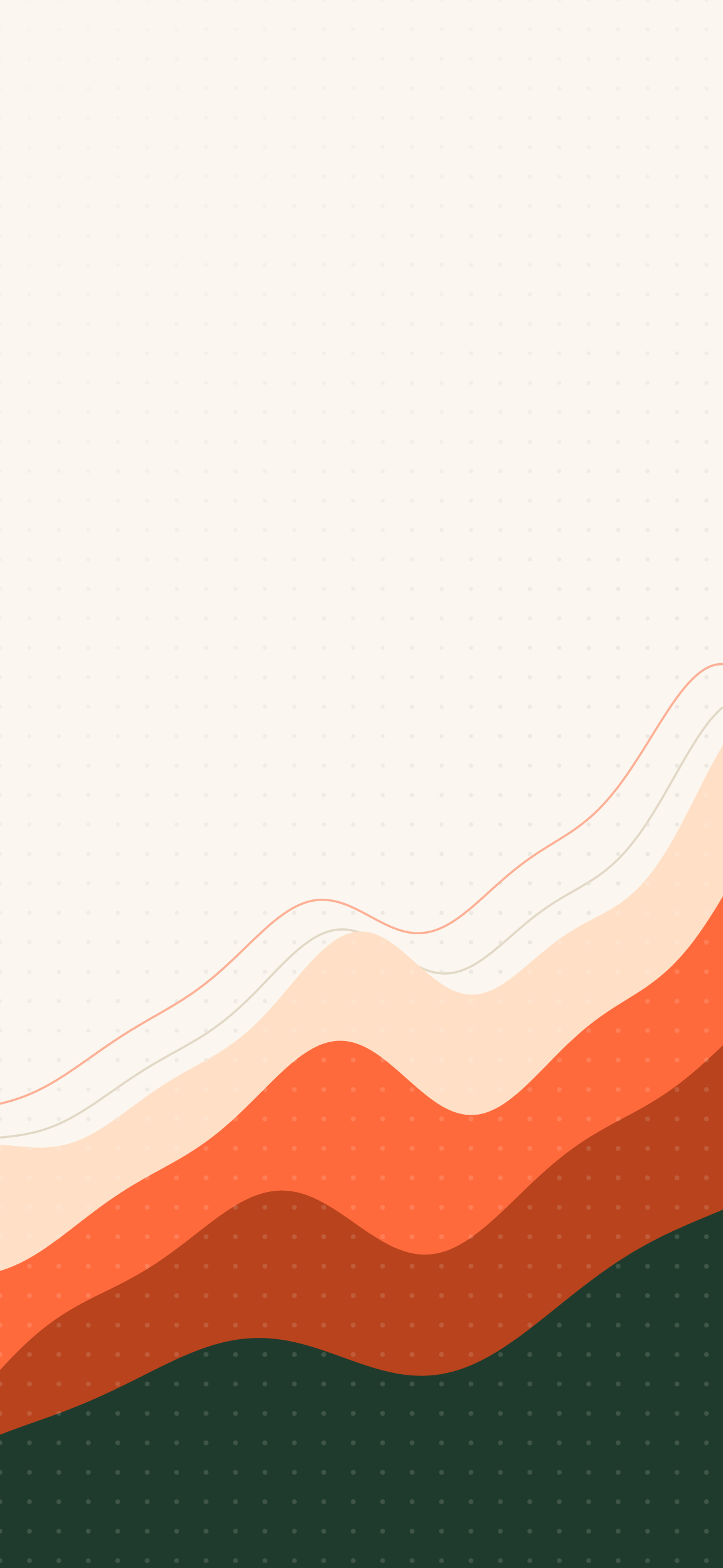
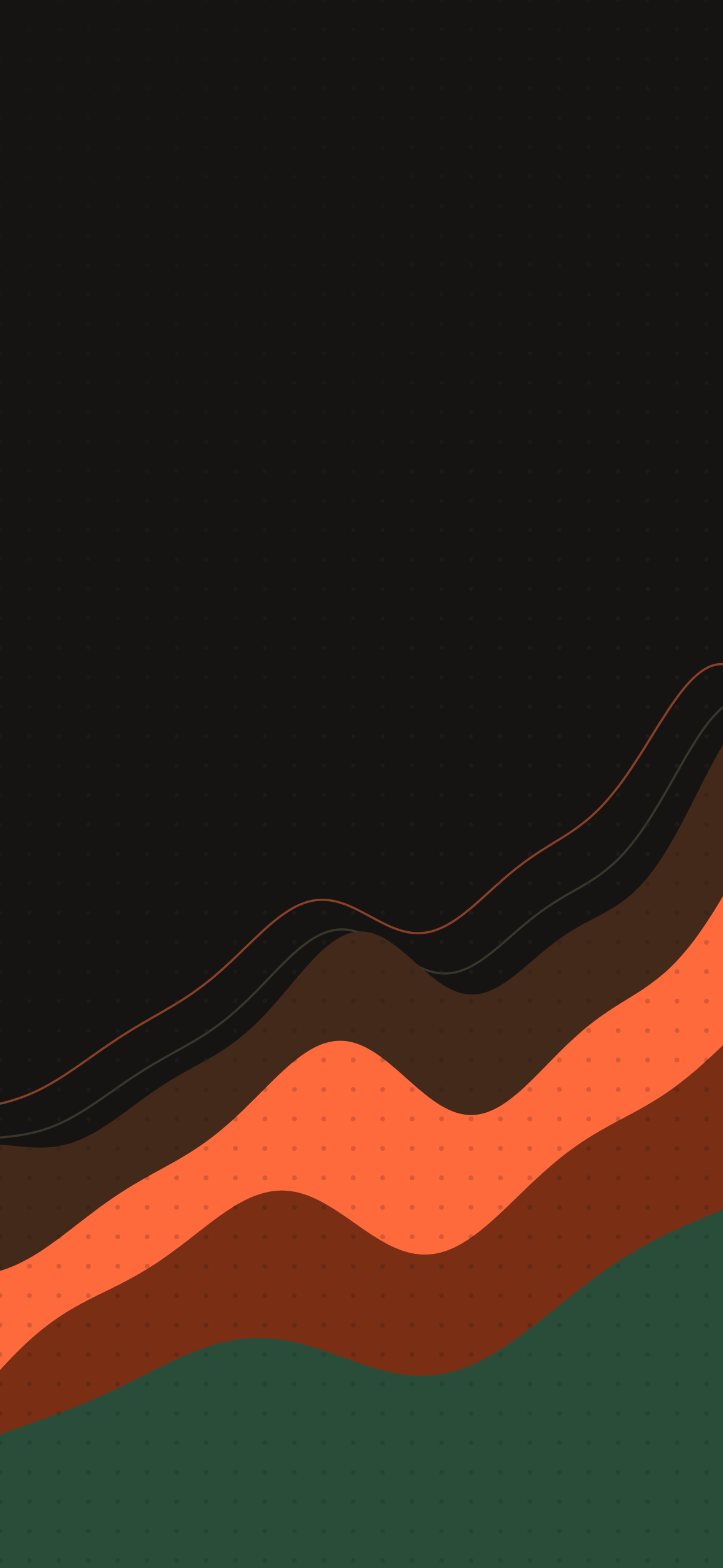
Layered waves of cream, orange, and forest green. On Mac it moves through the day: dawn, morning, late afternoon, dusk, and night.

Preview
Vague wallpaper on Mac, light version Vague wallpaper on Mac, dark version
Mac
Vague wallpaper on iPad, light version Vague wallpaper on iPad, dark version
iPad
Vague wallpaper on iPhone, light version Vague wallpaper on iPhone, dark version
iPhone

Mac

5120 × 2880 · HEIC

Dynamic: five looks across the day, or switches with light and dark mode.

iPad

2048 × 2732 · PNG

iPhone

1179 × 2556 · PNG

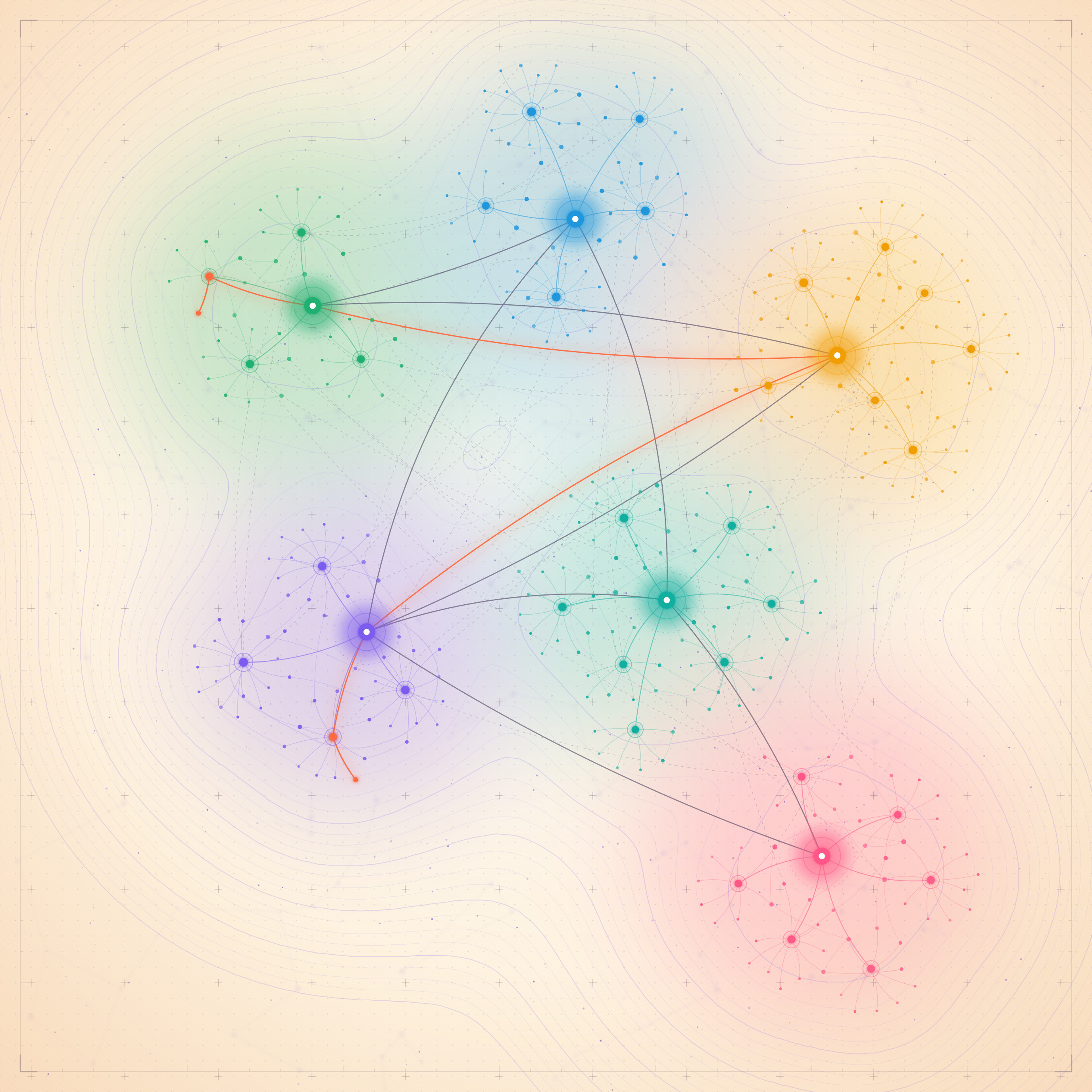
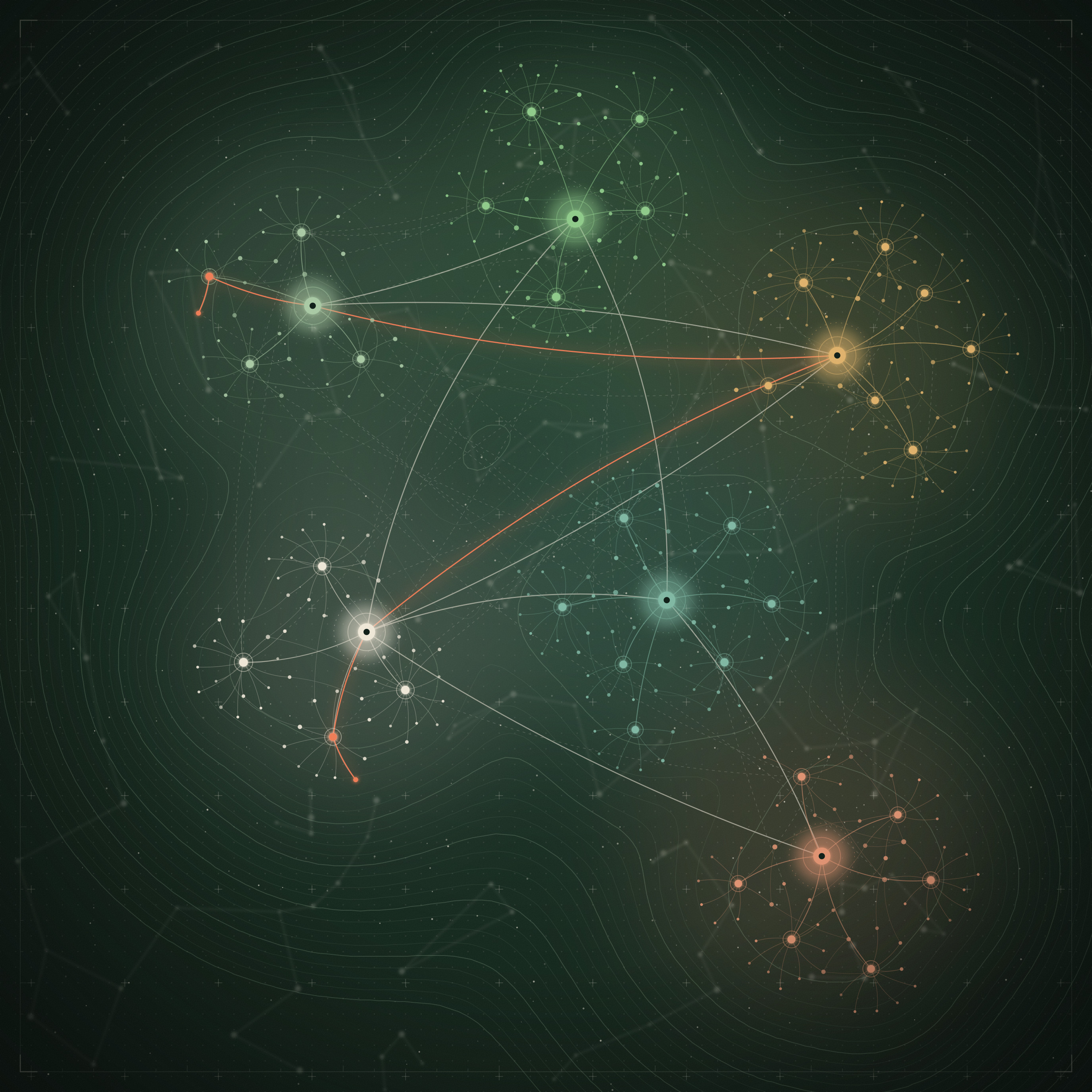
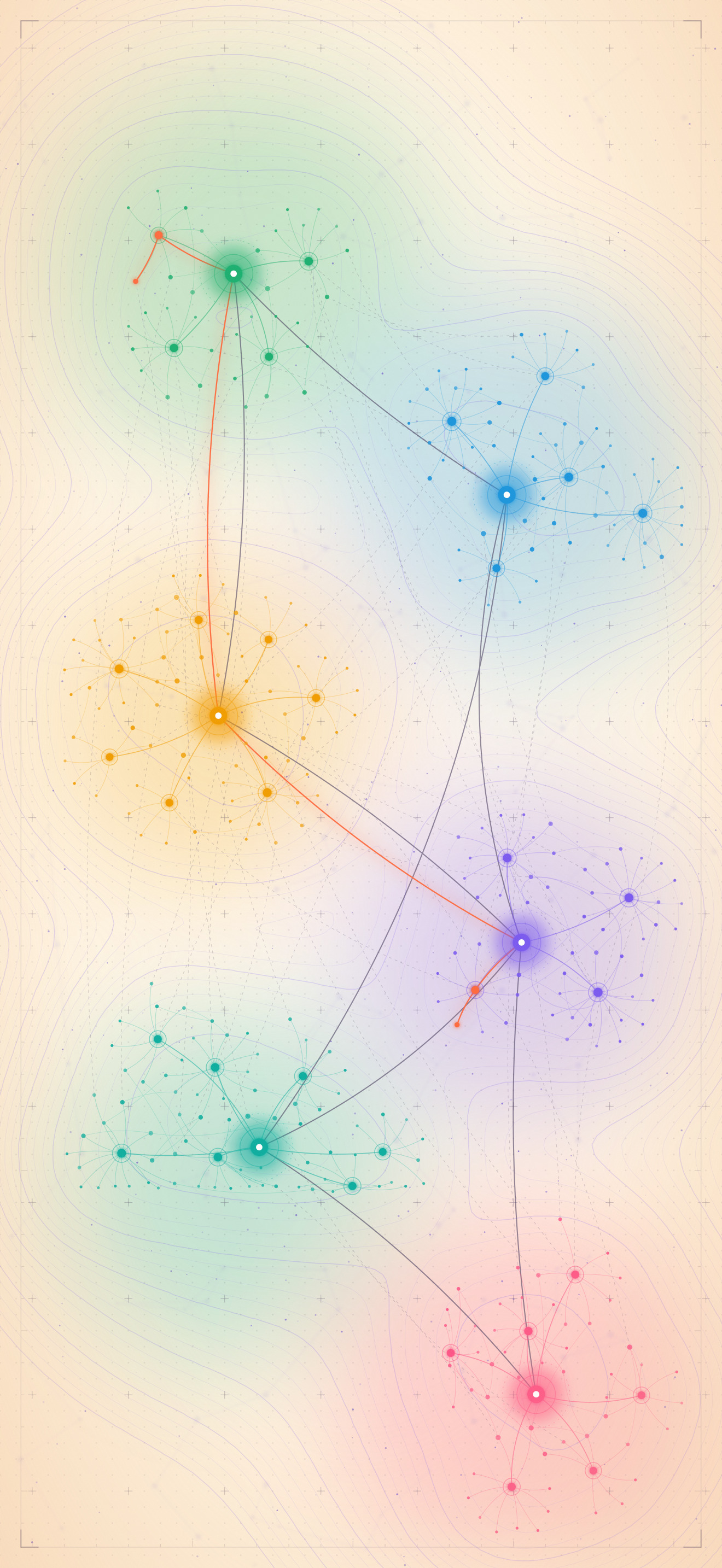
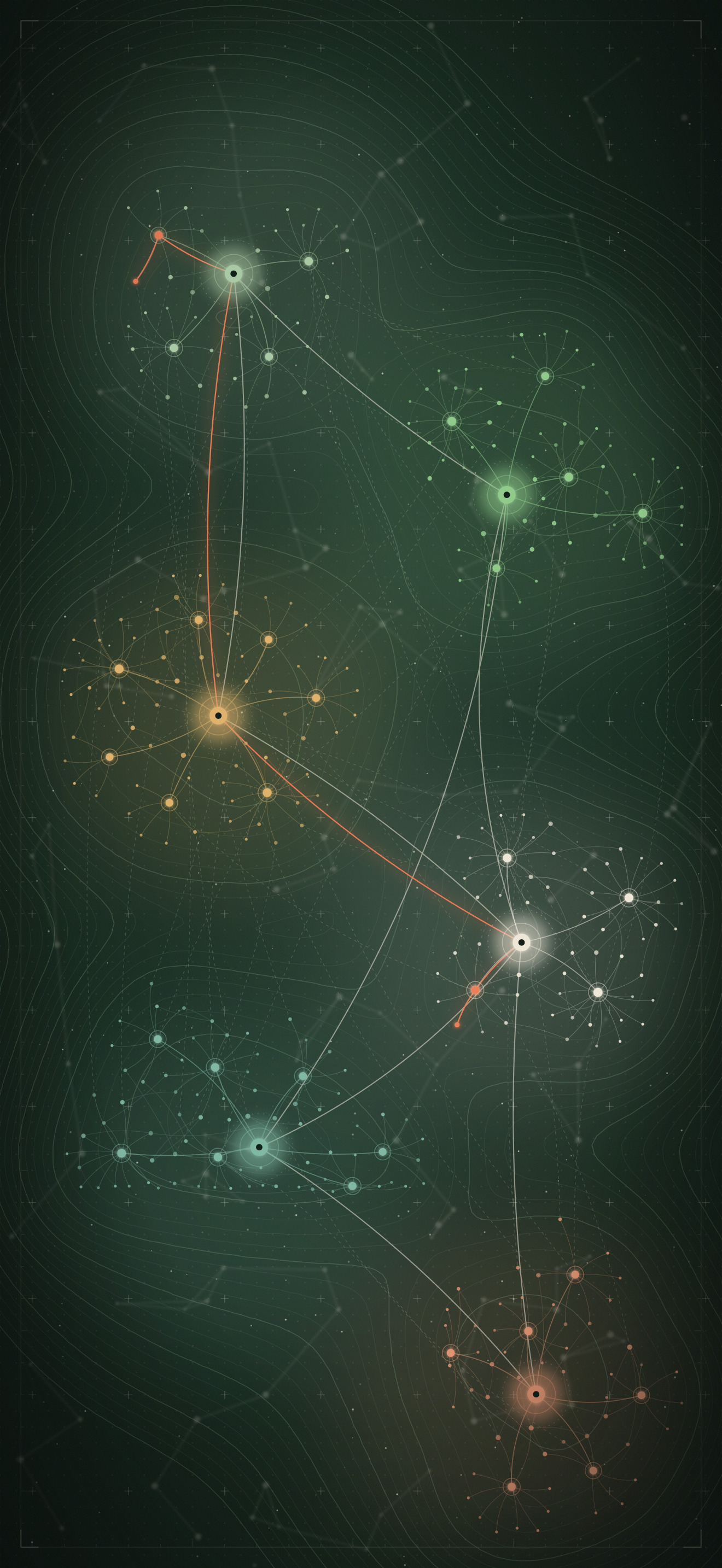
Graph

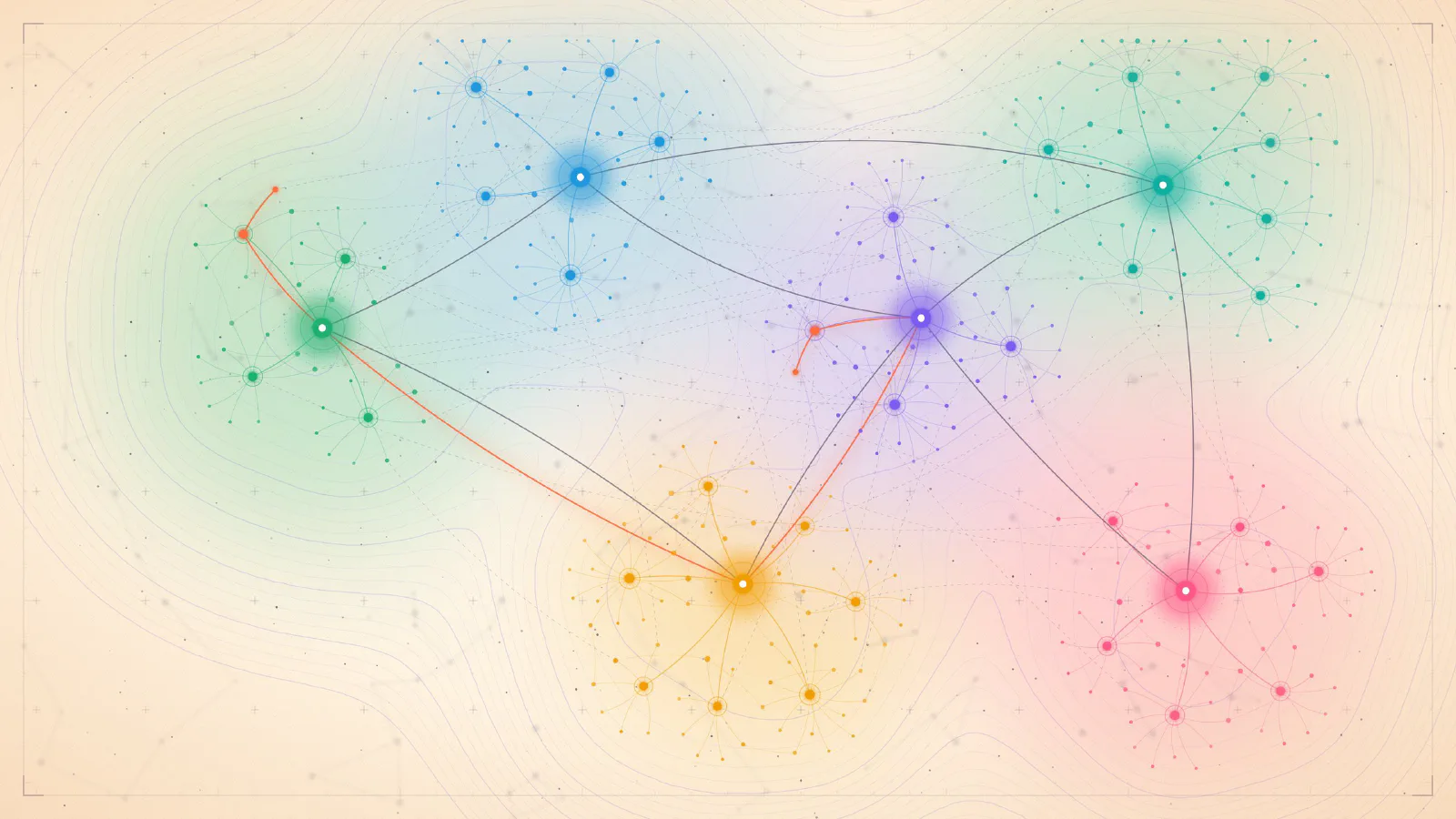
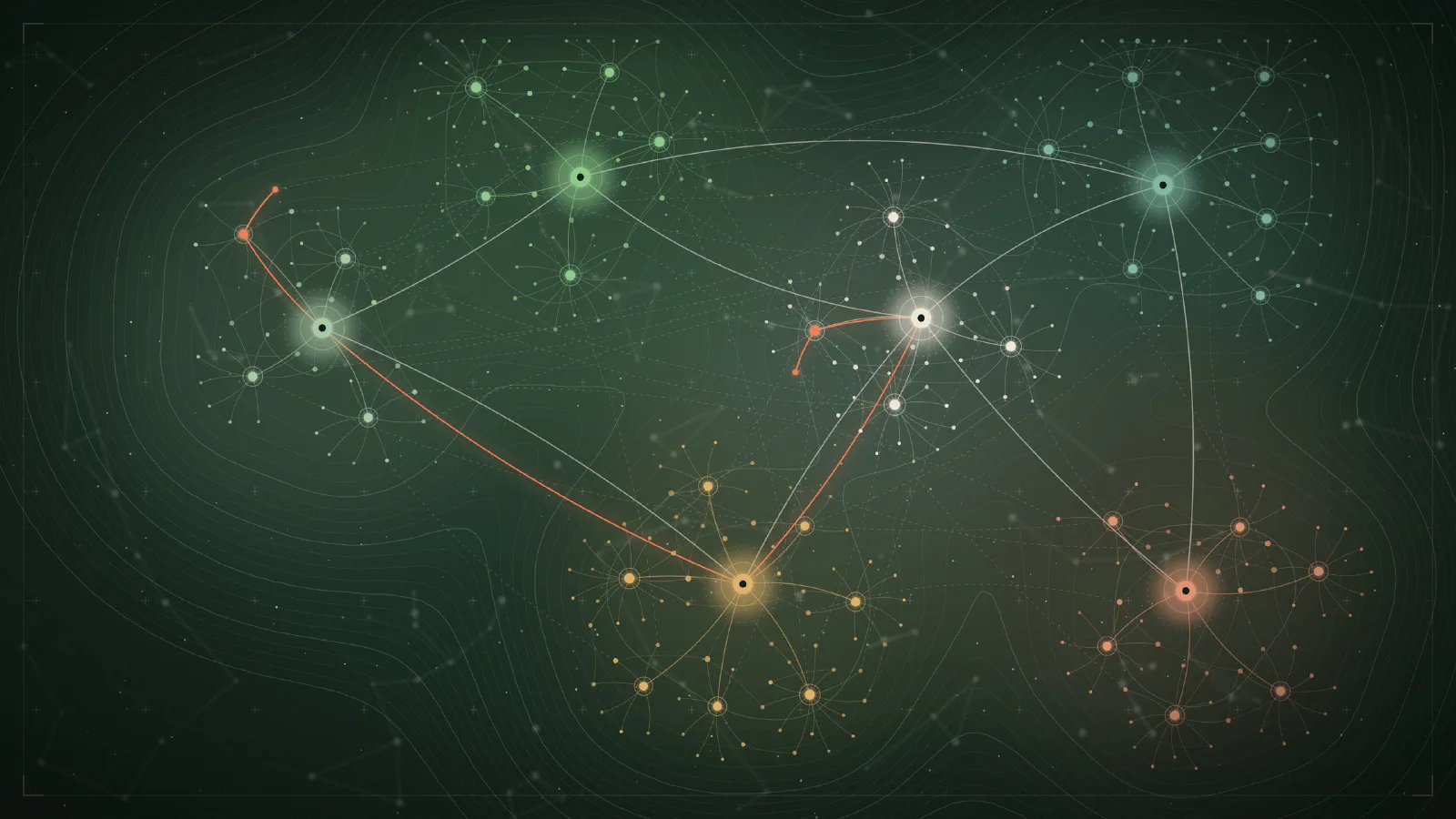
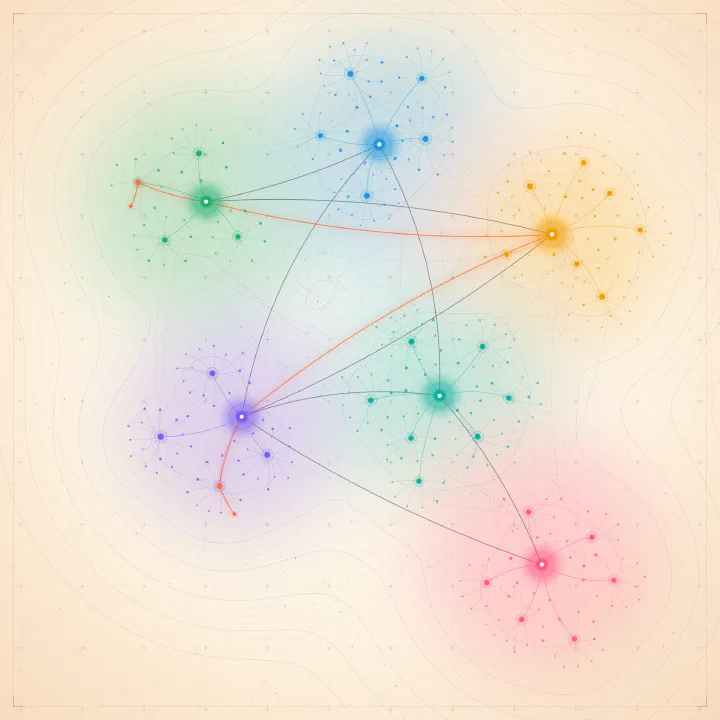
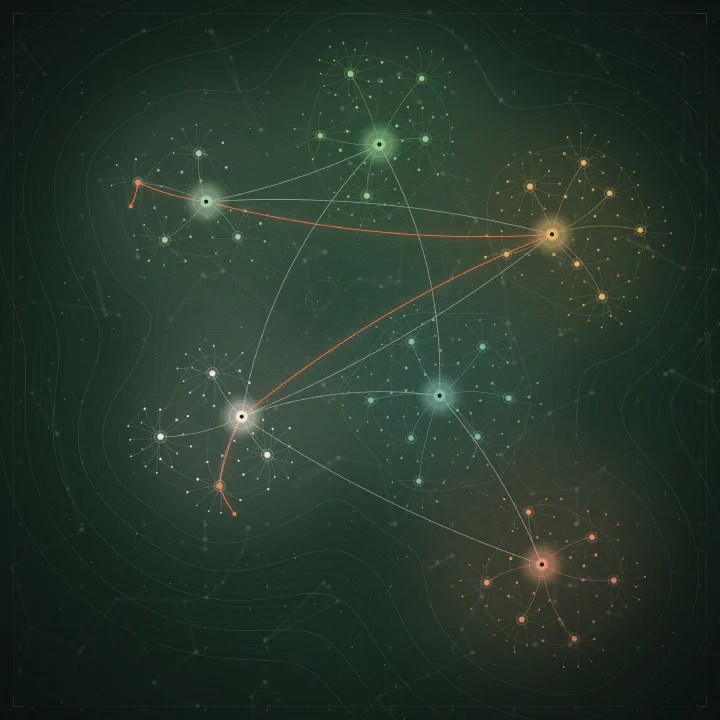
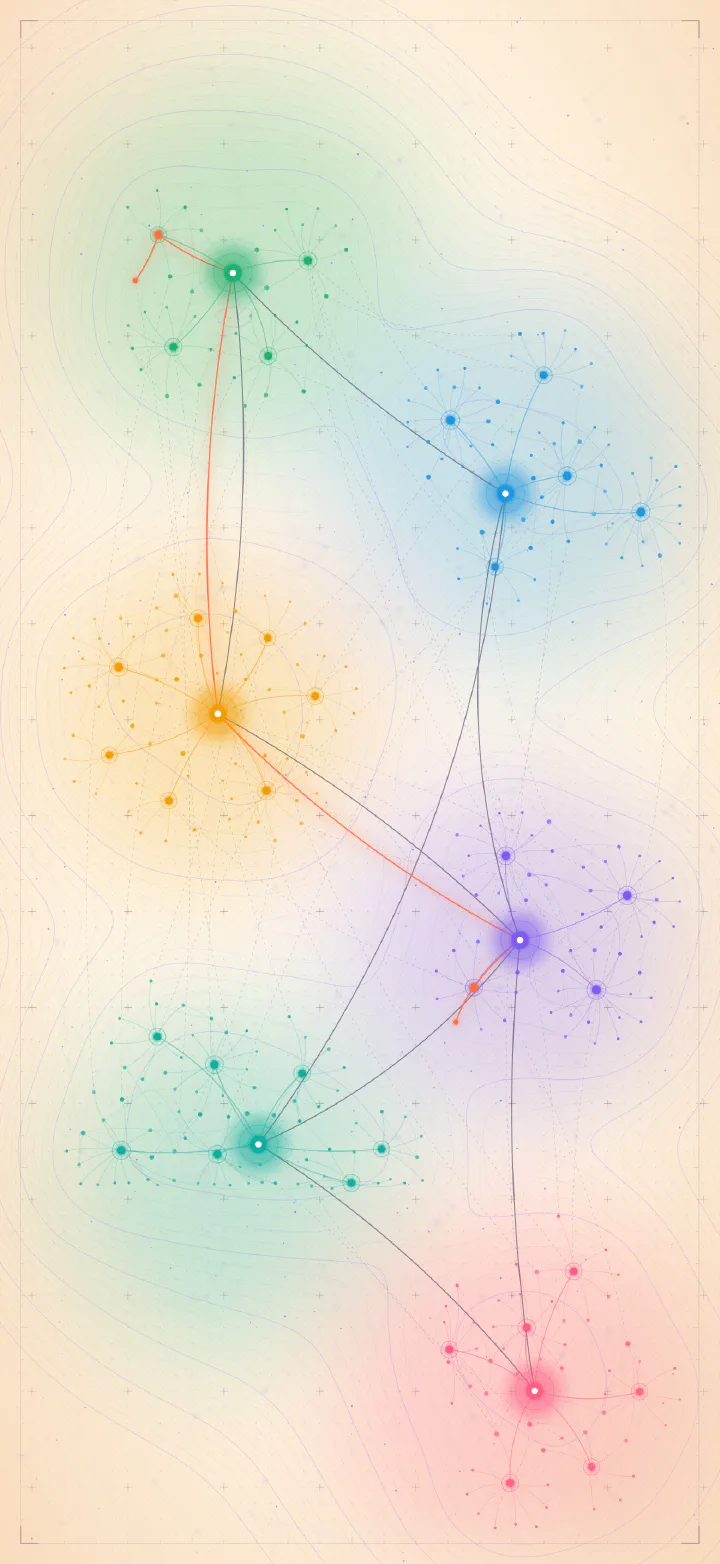
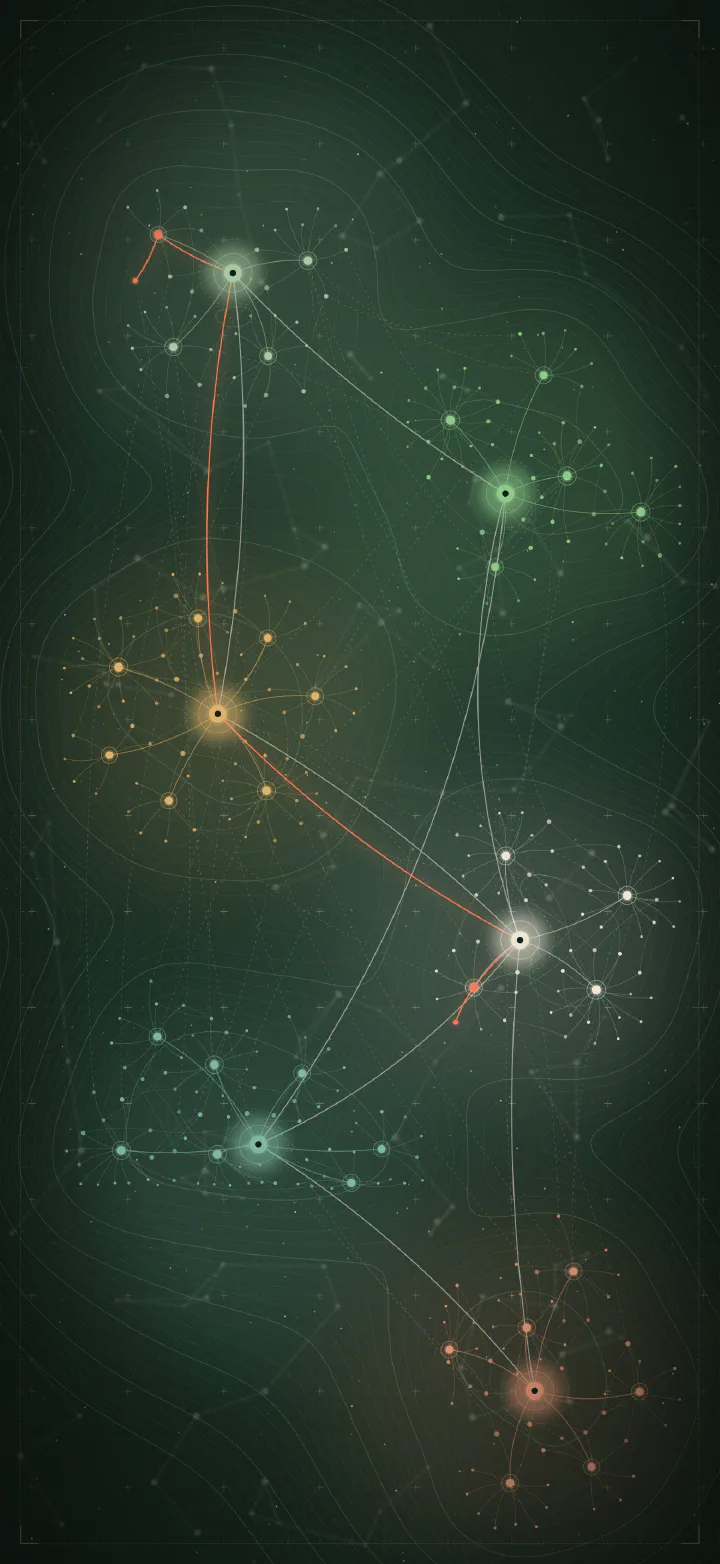
A knowledge graph seen from above: clusters of notes, links between them, and one orange trail of thought. Cream paper by day, deep green at night.

Preview
Graph wallpaper on Mac, light version Graph wallpaper on Mac, dark version
Mac
Graph wallpaper on iPad, light version Graph wallpaper on iPad, dark version
iPad
Graph wallpaper on iPhone, light version Graph wallpaper on iPhone, dark version
iPhone

Mac

5120 × 2880 · HEIC

Dynamic: switches with light and dark mode.

iPad

2752 × 2752 · JPEG

Square, so it fits portrait and landscape.

iPhone

1320 × 2868 · JPEG

Install on Mac

The Mac files are dynamic HEIC wallpapers. Open System Settings → Wallpaper, click Add Photo…, and pick the file. Then use the menu next to the preview: Dynamic follows the time of day (Vague only), Automatic follows light and dark mode, and the still options keep one look.

Install on iPad and iPhone

Download the image on your device and save it to Photos. Then go to Settings → Wallpaper → Add New Wallpaper, choose Photos, and pick the image. The light and dark versions are separate files, so take the one that suits you, or both.

Use them freely

These wallpapers are free for personal use. Please link to this page rather than sharing the files elsewhere.